Archive. This is an archive of the Apple Support Community. Discussions are being restored and soon you will be able to read and post here again.

Should I upgrade my iPhone 11 to iOS 27?

A simple question – but one which may be difficult for anyone but me (!) to answer:

I have an iPhone 11. It is currently running iOS 26.7.1 It serves me well. It is listed as being able to run 27.

What – if any – advantages will I get by upgrading to iOS 27? The phone is too old to take advantage of most of the latest technologies introduced.

Should I upgrade?

9 replies

You probably won't get many new features for an older device. But iOS 27 did have a focus on performance improvements. Your device will probably feel a bit snappier with it, according to a few review sites.


I personally have not updated my iPhone 14 yet, so I cannot personally confirm the above. I usually wait until the x.1 release. That was especially important for iOS 26, as 26.1 added a control to reverse some of the worst aspects of Liquid Glass.

No!!! I upgraded my 14 and my battery life is still awful after two weeks. About 2/3 of my apps no longer work. My phone freezes constantly and requires a restart 10-12 times a day. Do not do it.

But one of you says that reports are that it will be able to reap a speed benefit.


And as you would expect.......there are also reports of slower speeds with the new update.


Frankly, I notice no difference at all in this regard....or battery performance......on the iPhone 11 Pro here that is running iOS 27.0.1


Was your device Jailbroken? If that's the situation, please be informed that attributing the issues to iOS updates may not be accurate.


I have been updating my devices ever since I bought my first device in 2009. iPhone 3Gs, 4S, 5, 6, SE (1st Gen), 7, 8, and iPhone 12 Pro, iPad Pro, iPhone 13, 13 pro and iPhone 17, Macbook Air 2019, MacBook Pro 16" Nov 2024.
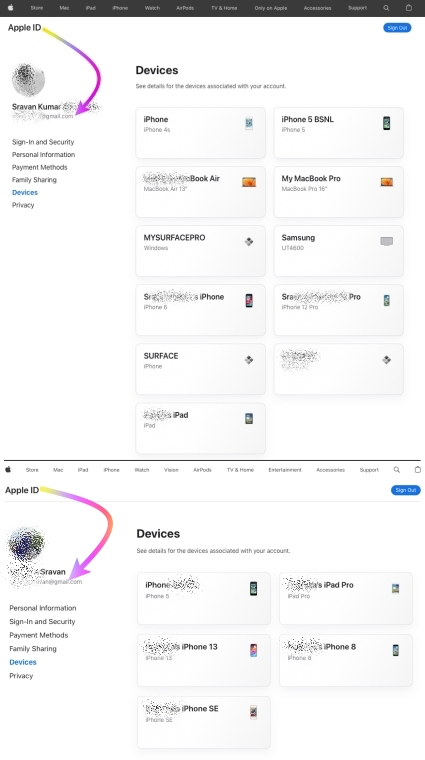


I never had any issues with any iOS, iPadOS, or macOS updates to date.


I would personally recommend everyone update their devices instead of listening to rumors from people who may not have kept their devices free from any spurious software.


iOS / iPadOS devices cannot be hacked or infected with Virus / Malware / Spyware if it is updated to the latest iOS/iPadOS unless you have intentionally downloaded spurious software or unauthorized apps directly from the internet and installed them on your device or/and have Jailbroken. 



iOS updates generally aim to enhance user experience, boost security, and fix bugs rather than disrupt core features. Issues after updates might stem from underlying, unmentioned factors. Updates won't typically alter personal data but may refine settings or features. Backup before major updates for safety. Review Apple's update details and backup advice for a smooth process.


This seems purely coincidental, so please check the settings on your device.

firefoxx wrote:
My phone is not jailbroken.

They should know that, it has not been possible to jailbreak recent iphones for some years.

There are no tangible benefits apart from a liquid glass slider, but you should keep your ios26 up to date while you can for security updates.

Thanks to both.

"There are no tangible benefits apart from a liquid glass slider". Not important to me.

Looks like "the ball is in my court" – as it was. I'm still undecided. I'm thinking that the new iOS will be "too much" for the phone. But one of you says that reports are that it will be able to reap a speed benefit.


Actually, I always wait for the x.1 release of a new OS.

PJSBend wrote:
No!!! I upgraded my 14 and my battery life is still awful after two weeks. About 2/3 of my apps no longer work. My phone freezes constantly and requires a restart 10-12 times a day. Do not do it.

Nah, get rid of the app that no longer works in 27.

PJSBend wrote:
No!!! I upgraded my 14 and my battery life is still awful after two weeks. About 2/3 of my apps no longer work. My phone freezes constantly and requires a restart 10-12 times a day. Do not do it.

What is the value reported by Settings > Battery > Battery Health?


If the reported health is 80% or lower, that iPhone 14 is headed for a battery replacement.


And a failing battery can cause issues.

My phone is not jailbroken.



