iPhone 11 stuck in recovery mode. Restoring to iOS 27.0.1 (24A446) fails with error 1109, "Error retrieving WKMS decryption key".
Multiple attempts across three networks and two devices (Windows 11).
Is this apple services down or a local issue?
 User level: Level 1 (4 points)
iPhone 11 stuck in recovery mode. Restoring to iOS 27.0.1 (24A446) fails with error 1109, "Error retrieving WKMS decryption key".
Multiple attempts across three networks and two devices (Windows 11).
Is this apple services down or a local issue?
Posted on Oct 6, 2026 3:08 AM

 User level: Level 10 (454,138 points)
Oct 6, 2026 6:17 AM in response to dmmackay
Follow this process below to keep your personal data.
If you see the Restore screen on your iPhone, iPad, or iPod touch
If you see the Restore screen on your iPhone, iPad, or iPod touch, learn what to do.
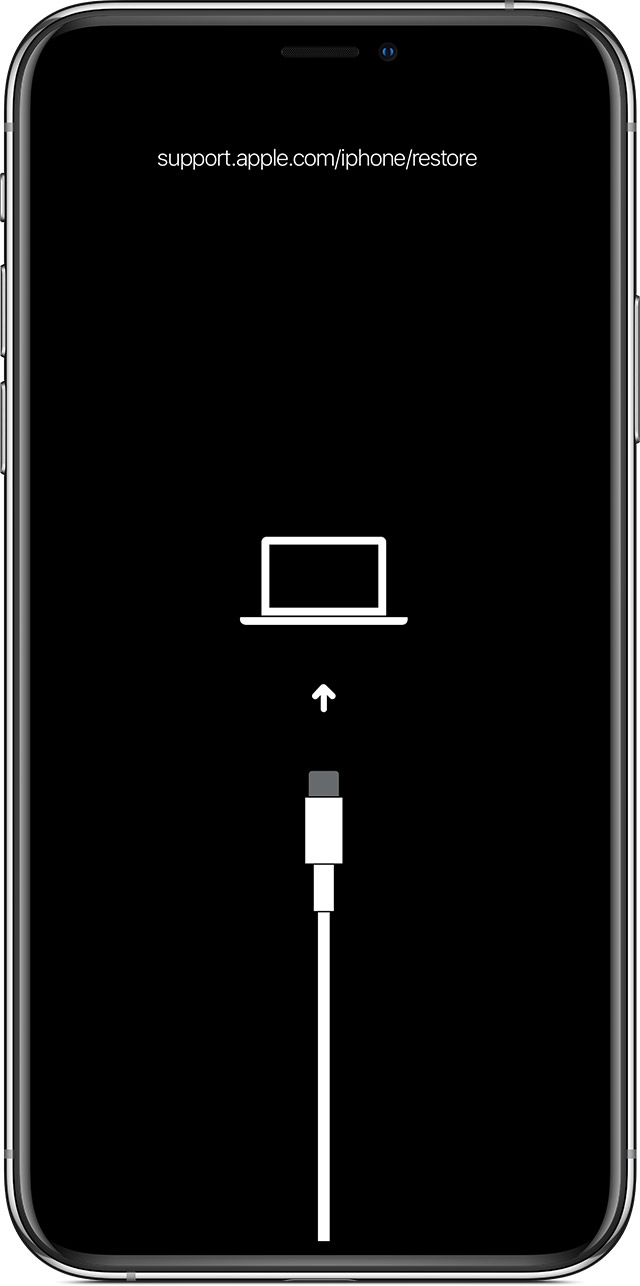
Restart your device
If you see the Restore screen, restart your device:
Reinstall iOS or iPadOS
If you still see the Restore screen after you restart, you need to reinstall iOS or iPadOS:
If the above fails
If your device turns on but gets stuck during start up
If you see the Apple logo or a red or blue screen during startup, try these steps:
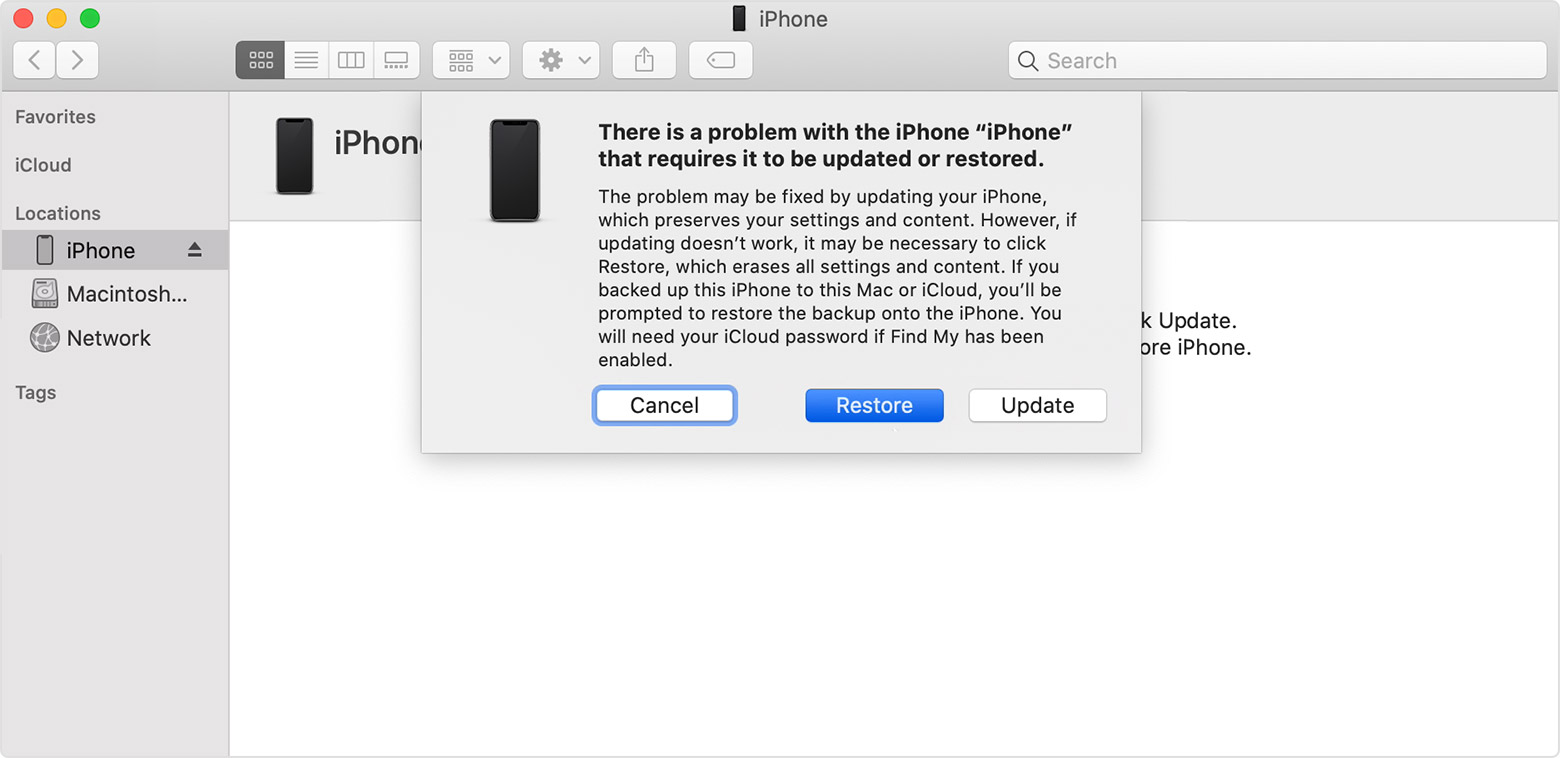
Your computer will download the software for your device. If it takes more than 15 minutes, your device will exit recovery mode and you'll need to repeat steps 2 and 3.

If you need more help
Contact Apple Support to set up service if you have any of these issues:
User level: Level 10 (454,138 points)Oct 6, 2026 6:19 AM in response to dmmackay
If you're experiencing difficulty connecting your iPhone to your PC, there are a few steps you can take to troubleshoot the issue:
If you are experiencing an issue not listed here, contact support as they can provide specific troubleshooting steps based on your situation.
You can do the following using iTunes :
User level: Level 10 (454,138 points)Oct 6, 2026 6:20 AM in response to dmmackay
Search for accessories that have completed MFi certification. Once an accessory has completed MFi certification requirements and is reported to Apple as sold/distributed, it will be searchable in our public database of authorized Lightning, headset, charging, iAP-enabled, and Find My network-enabled accessories.
Learn how to identify counterfeit or uncertified Lightning-based accessories.
Originally posted at discussions.apple.com/thread/256371240