Title: iPhone 13 mini bricked by iOS 27 update via USB cable – error (100) 06A6.0064, every restore path fails
Device: iPhone 13 mini
Mac: MacBook, macOS 26.7.1 at time of failure, since upgraded to macOS 27.0.1
Update method: Finder via USB cable. No OTA update attempted prior to the failure.
What happened:
I started an iOS update through Finder. The update failed and the phone has not booted since. It sits at the Apple logo with a completely full progress bar that never moves. Free storage on the device was low before the update, but iOS offered and started the update anyway without any warning on my MacBook.
Errors I get:
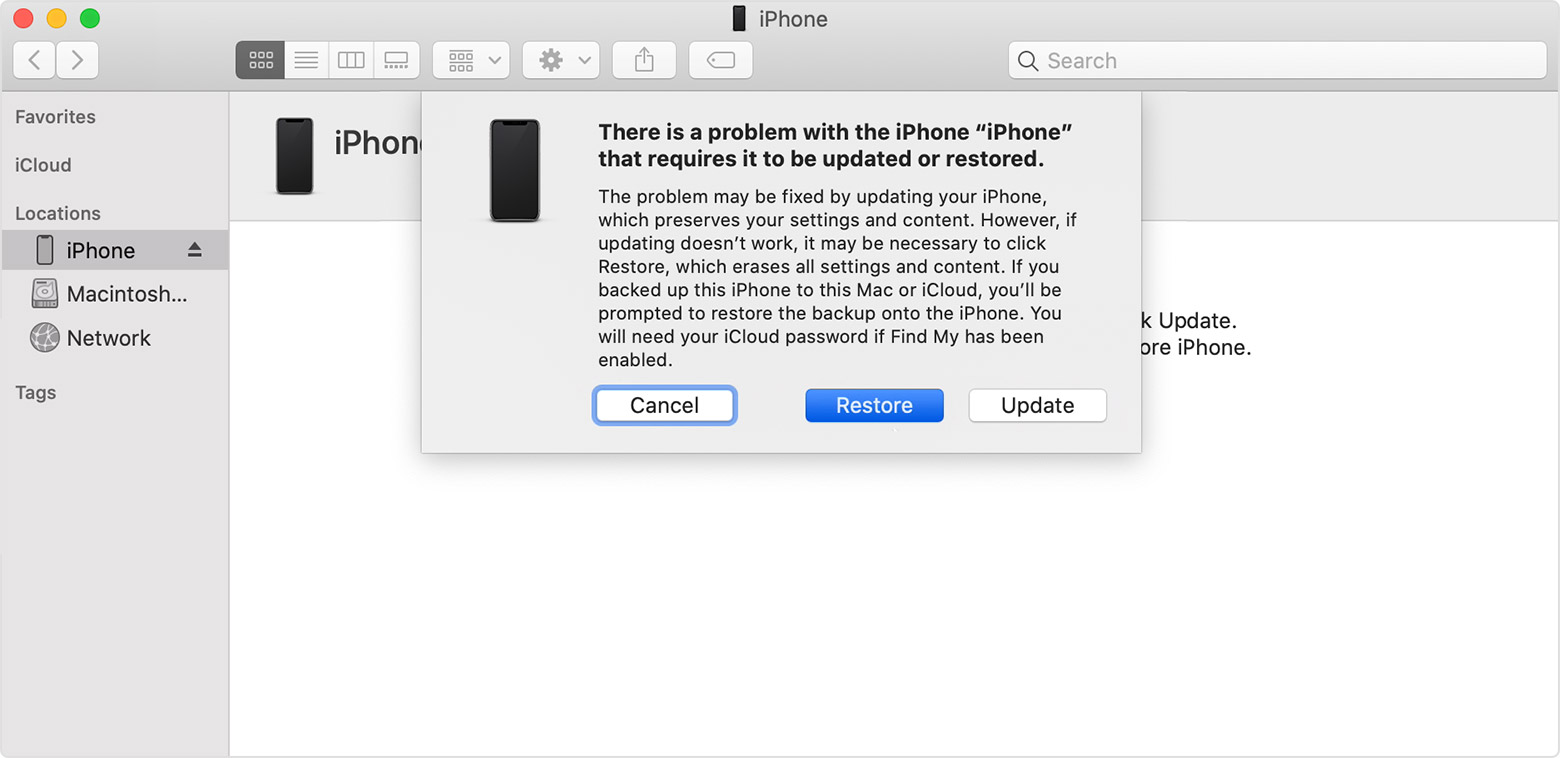
1. Finder, after the verification stage:
"The iPhone 'iPhone' could not be updated. An unknown error occurred (100). 06A6.0064"
2. Apple Configurator, Advanced > Revive Device:
"iOS cannot be restored on this iPhone. The operation couldn't be completed. (AMRestoreErrorDomain error 100 – Failed to handle message type StatusMsg (Unrecognized error (100)))"
What I have already tried:
- Waited well over an hour at the Apple logo, no change
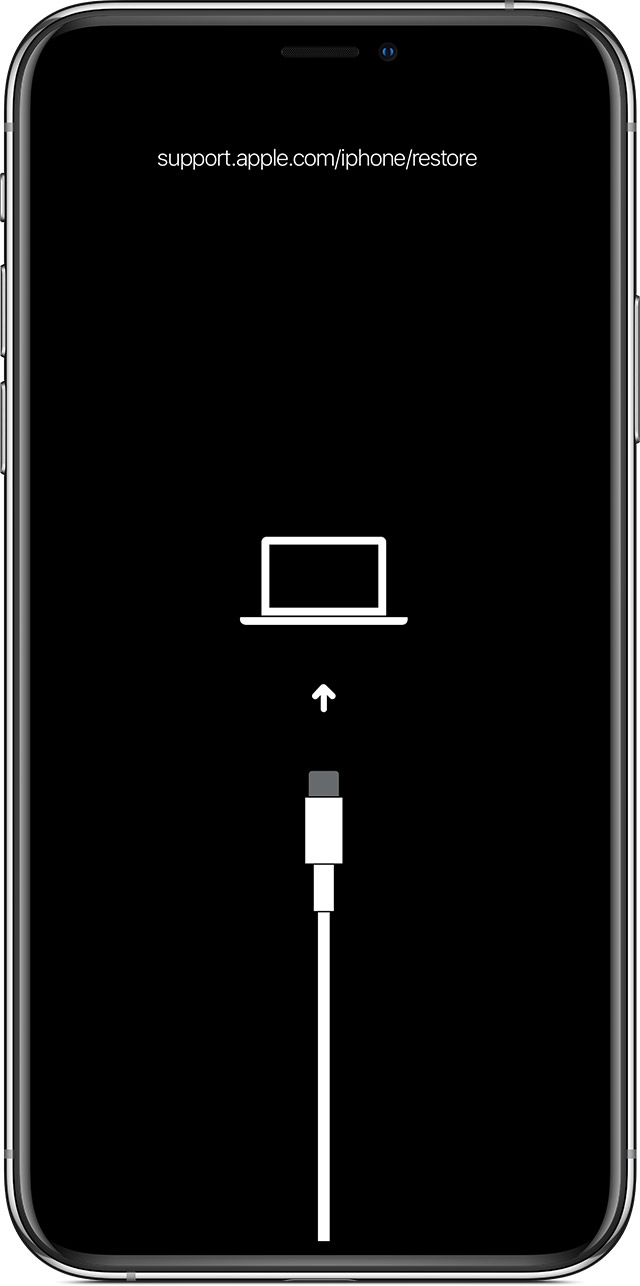
- Recovery mode, Update (not Restore): fails with error 100 every time
- Multiple attempts, different USB cables, different ports directly on the Mac, no hub
- Apple Configurator Revive: fails with the AMRestoreErrorDomain 100 above
- DFU mode: I follow the exact sequence (Volume Up, Volume Down, hold Side until the screen goes black, then add Volume Down for 5 seconds, release Side, hold Volume Down). The screen does go black, but the device then shows the Apple logo again and drops straight into the recovery screen. It will not stay in DFU.
- Upgraded macOS from 26.7.1 to 27.0.1 and updated Apple Configurator, on the assumption that outdated MobileDevice frameworks were the cause. No change – still error 100.
- Checked ipsw.me: the only signed builds for the iPhone 13 mini are iOS 27.0.1 (24A446) and iOS 27.0 (24A437). No older version can be installed.
What I have not done:
I have not clicked Restore. I have a local Finder backup, but it is unencrypted, and I would rather not find out the hard way what it does or does not contain. I would like to recover the device without erasing it if that is at all possible.
Questions:
1. Has anyone seen error 100 with the suffix 06A6.0064 specifically, and does anyone know what that sub-code refers to?
2. Is there any known way to make a device stay in DFU when it keeps falling back to recovery?
3. If low device storage caused this, is there any supported way to free space on a device that will not boot?
4. Does a Restore have a realistic chance of succeeding when both Update and Revive fail at the same point, or is this a hardware issue at that stage?
Any pointers appreciated before I book a Genius Bar appointment.