A restart of your watch and iPhone will often Bering everything back into sync. Please try the instructions below.
Copied from Restart Apple Watch - Apple Support
Restart Apple Watch
- Turn off your Apple Watch: Press and hold the side button until the sliders appear, tap
 , then drag the Power Off slider to the right.
- Turn on your Apple Watch: Hold down the side button until the Apple logo appears.
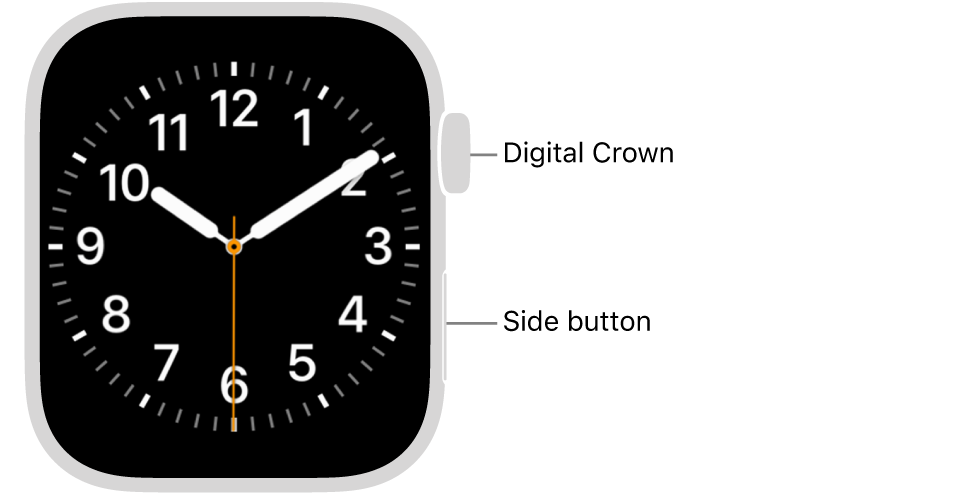
Note: You can’t restart your Apple Watch while it’s charging.
Restart the paired iPhone
- Turn off your iPhone: For models with Face ID, press and hold the side button and a volume button, then drag the slider to the right. For models without Face ID, press and hold the side or top button until the slider appears, then drag the slider to the right. With any model, you can also go to the Settings app, tap General, then tap Shut Down.
- Turn on your iPhone: Hold down the side or top button until the Apple logo appears.


