
Unofficial archive. This is a read-only, community-run archive of the Apple Support Community. It is not affiliated with or endorsed by Apple Inc.

iPhone keyboard covering bottom of Notes app

When using Note on iphone, the keyboard keeps covering the bottom part of the note and you can’t see what you are typing and there is no way you can scroll your note up. Probably happens for other apps too


[Edited by Moderator]

Original Title: Keyboard covers Note


7 replies

I figured out a fix for my wife’s phone, not sure if it will fix it in everyone’s case. The problem was only with notes that were in her “Gmail” folder. It worked fine in her “iCloud” folder. Once I moved the notes from Gmail folder to iCloud they worked fine. It was easy to move, can just select all and move to the other folder. Hope that helps.


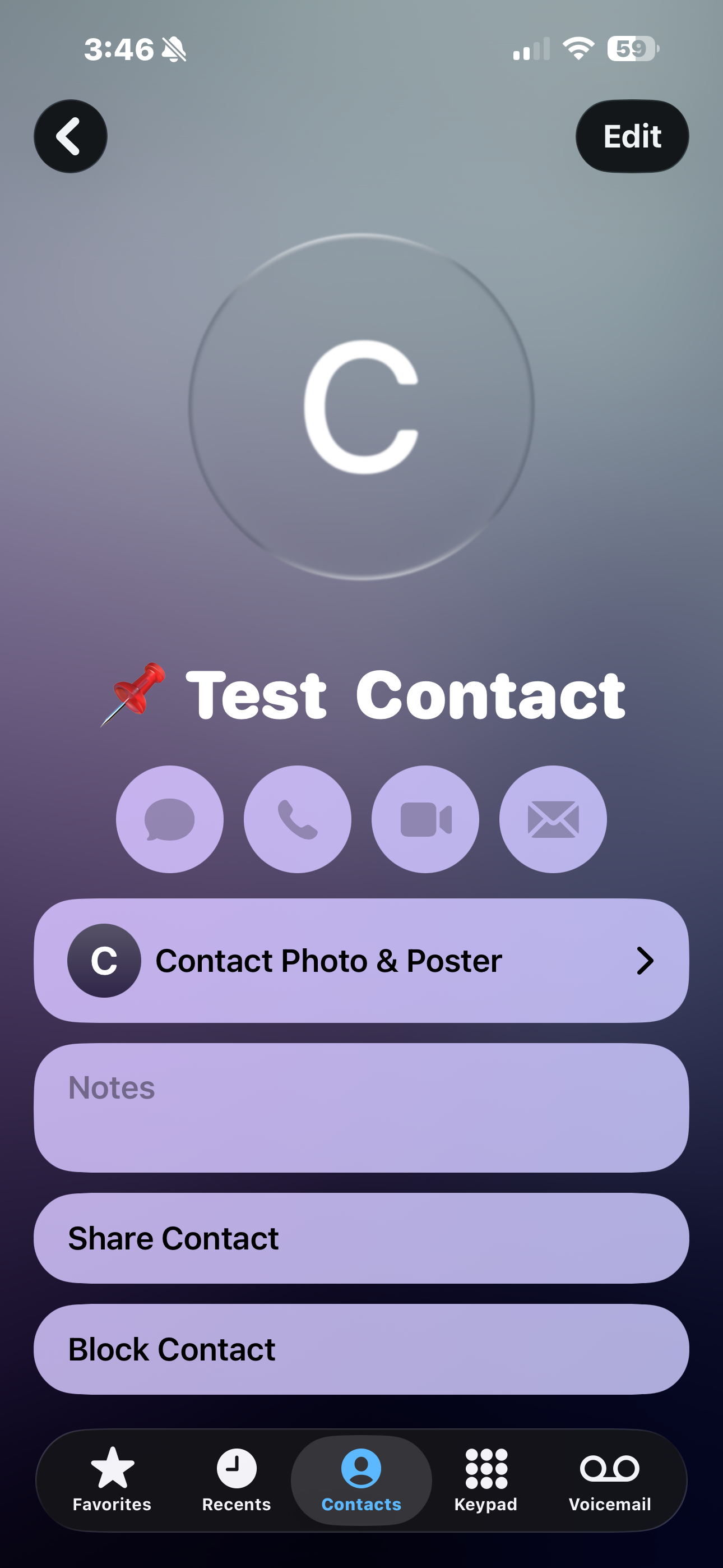
This is happening for me in the contacts app when I click on the notes section. The keyboard pops up but it completely blocks the notes field and you can’t see it. When you try scroll up the keyboard disappears. As soon as you click notes field again, it immediately blocks the view. You have to click on edit for the screen to be able to see the notes field while 00004000 entering information.


This is consistent without fail for the ios26 update. I use the notes field frequently since owning iPhone for over 10 years and haven’t had this problem in previous iOS’s.

i already updated to the latest IOS, and the issue already fix. Hope the same goes to you guys

Nope. I’m just rotating the phone when I need to type the bottom line. Hope they fix this soon

Yessss. it is so frustrating to not be able to edit the bottom of the note. I just start another note but then all my info is separate for a topic

I am having the same issues. Any idea how to fix it?

My wife is having the same problem on her iPhone 17 pro and now hates me for getting her a new phone… please help