Unofficial archive. This is a read-only, community-run archive of the Apple Support Community. It is not affiliated with or endorsed by Apple Inc.

Trade-In phone required to transfer info to new phone

I have pre-ordered the new iPhone and have chosen to trade in my old phone. They will be sending me a kit which I need to return within 14 days. In the past when purchasing a new phone I usually walk into an Apple Store and have them transfer all my personal data and settings from the current phone to the one I purchase. I won’t be able to do that if they require me to send in my phone before I receive the new one.

9 replies

There are two places you can keep a backup (iTunes without or iCloud )


Use this when you get your new iPhone.



Use iCloud Backup


How to back up with iCloud

  1. Connect your device to a Wi-Fi network.
  2. Go to Settings > [your name], and tap iCloud.
  3. Tap iCloud Backup.
  4. Tap Back Up Now. Stay connected to your Wi-Fi network until the process completes. See the Pic below


How to back up your iPhone, iPad, and iPod touch - Apple ...


Back up to Computer...


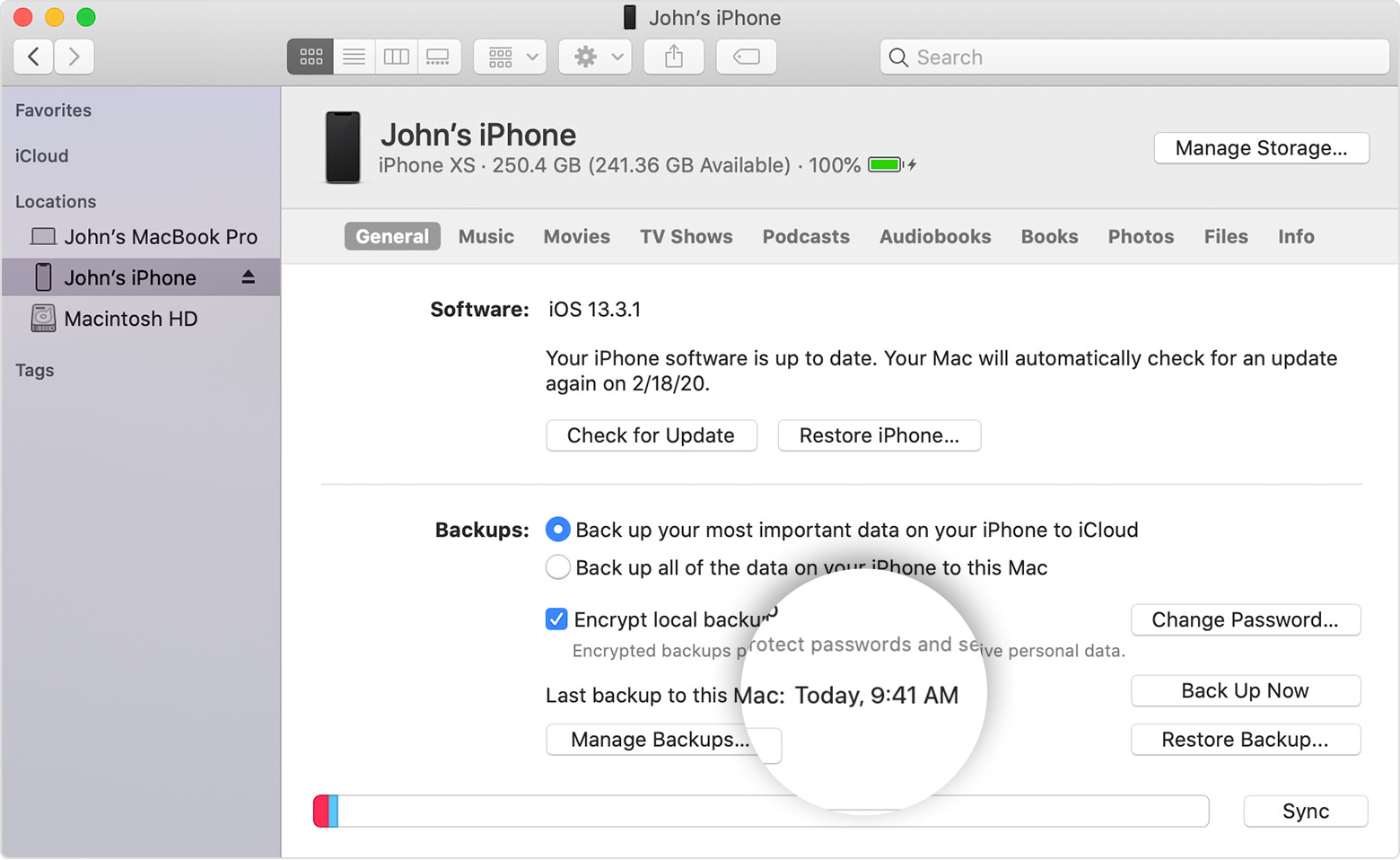
How to backup with your computer

  1. Connect your device to your computer. On a Mac with macOS Catalina 10.15, open Finder. On a Mac with macOS Mojave 10.14 or earlier, or on a PC, open iTunes.
  2. If a message asks for your device passcode or to Trust This Computer, follow the onscreen steps. If you forgot your passcode, get help.
  3. Locate your device on your computer. If your device doesn't appear on your computer, learn what to do.
  4. If you want to save Health and Activity data from your device or Apple Watch, you need to encrypt your backup: Select the box called Encrypt [device] backup and create a memorable password. If you don't need to save your Health and Activity data, you can make a backup that isn't encrypted. Just click Back Up Now.
  5. Write down your password and store it somewhere safe, because there's no way to recover your iTunes backups without this password.
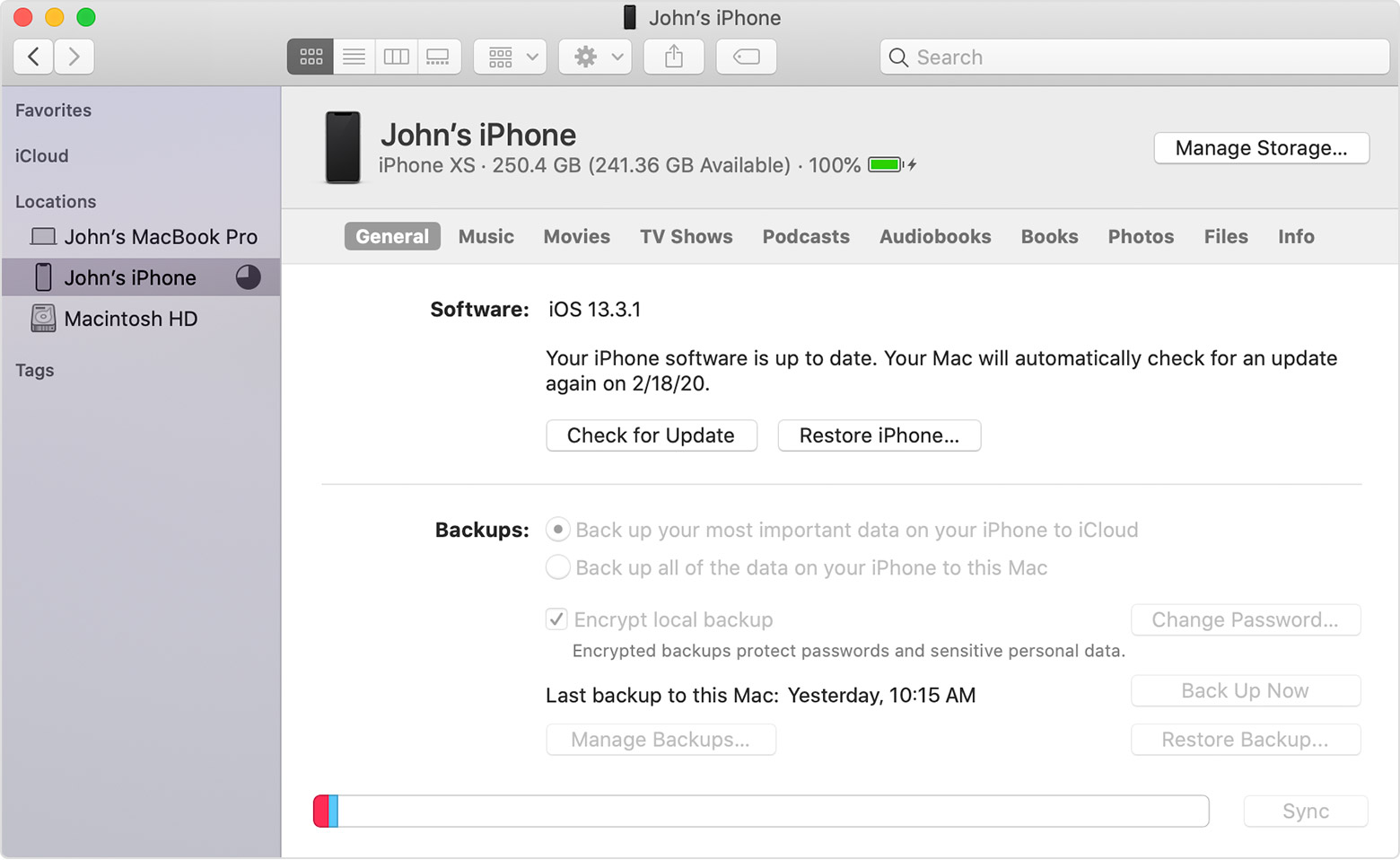
  6. When the process ends, you can see if the backup finished successfully.

They don't send the trade kit until the new phone ships. When I have traded, the trade kit usually arrived 2 or 3 days after the new item. The 14 days started when I received the kit.

In addition to the advice offered here, even when Apple sends you a tradein kit after your phone arrives, you can still take the old iPhone to your Apple Store and complete the trade at the store if you don't want to send the phone in.

mosdef79 wrote:

Yeah I think I’ll do that since I have one a few blocks away from me and you can never be too sure these days. Thank you!

You're welcome.


I NEVER send my trade-in back. I ALWAYS complete the trade at my Apple Store the day after I get the new iPhone and set it up.

lobsterghost1 wrote:

I NEVER send my trade-in back. I ALWAYS complete the trade at my Apple Store the day after I get the new iPhone and set it up.

I ALWAYS send my trade-ins back. I'm about 100 miles from an Apple Store. Can I mail my next one to you and have your return it for me? 😀

Yeah I think I’ll do that since I have one a few blocks away from me and you can never be too sure these days. Thank you!

Ah, okay, this makes more sense. Thank you so much for clarifying.

LOL. Absotively!


