Hello, I recently got an iPhone 13 Pro Max.
it is currently updates to iOS 16.1.2
The Audio, Memoji & Stickers are not working in iMessage
I have turned of Voice recognition and dictation off. It is still not working Any help?
 User level: Level 1 (5 points)
Hello, I recently got an iPhone 13 Pro Max.
it is currently updates to iOS 16.1.2
The Audio, Memoji & Stickers are not working in iMessage
I have turned of Voice recognition and dictation off. It is still not working Any help?
Posted on Dec 2, 2022 11:09 PM
Dec 19, 2022 10:59 AM
mohona95,
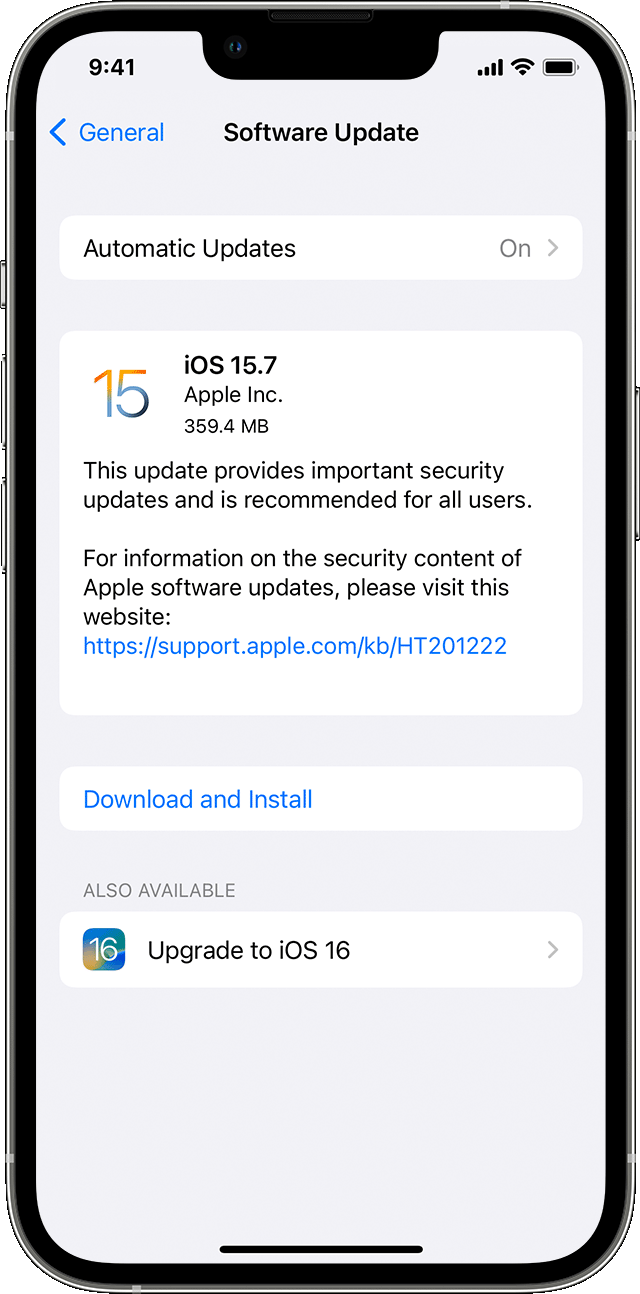
Thanks for letting us know. That is certainly not the experience we want you to have with your device, and we will do everything we can to help you. That said, we noticed that you are running a dated version of iOS. When you have a free moment, please use the link below to update your device.
1) Back up your device using iCloud or your computer.
2) Plug your device into power and connect to the internet with Wi-Fi.
3) Go to Settings > General, then tap Software Update.
4) If you see more than one software update option available, choose the one that you want to install.
5) Tap Install Now. If you see Download and Install instead, tap it to download the update, enter your passcode, then tap Install Now. If you don't know your passcode, learn what to do.
The reason we ask you to update is because updating your device is a vital troubleshooting step that can potentially resolve your issue.
If updating to the latest version of iOS does not resolve your issue, provide us with specifics on what you see for more help.
Thanks for using the Apple Support Communities.
Cheers!
User level: Level 1 (5 points)Dec 24, 2022 2:38 AM
I did have screentime on! I switched it off and it work 00004000 s fine now! Thank you!
Dec 20, 2022 6:41 AM
Hi mohona95,
OK, that's good!
Let's verify if you are able to use the Voice Memos app, independently from the Messages app.
Make a recording in Voice Memos on iPhone
Make a basic recording
1. To begin recording, tap.
To adjust the recording level, move the microphone closer to or farther from what you’re recording.
2. Tapto finish recording.
Your recording is saved with the name New Recording or the name of your location, if Location Services is turned on in Settings> Privacy & Security. To change the name, tap the recording, then tap the name and type a new one.
To fine-tune your recording, see Edit a recording in Voice Memos.
Note: For your privacy, when you use Voice Memos to make recordings, an orange dot appears at the top of your screen to indicate your microphone is in use.
If this is successful, check to see if you have any Screen Time restrictions. Settings > Screen Time.
Let us know what you discover.
Thanks!
User level: Level 1 (4 points)Jan 28, 2023 12:54 PM
I’m having this exact same issue and use screen time along with focus daily. Is there a way to tweak screen time so I can have both working? It seems like a major oversight to disabled one big feature completely for another.
Dec 5, 2022 1:57 PM
Hello mohona95,
When you say that these features aren't working, could you explain to us more about what's going on? Let us know more details about how these things aren't working in order for the community can best assist you.
Thanks!
User level: Level 1 (5 points)Dec 19, 2022 5:44 AM
So when I’m sending someone an imessage (they also have an iphone and their imessage is on) if i click on boice note, memoji and stickers, nothing is happening. I’m unable to record a voice note, unable to record a memoji video in iMessage.
User level: Level 1 (8 points)Feb 17, 2023 5:51 AM
Having the exact same issue. Turned off screen time, can now record in the iMessage app but can’t send the recorded messages. This happened on my old iPhone XS Max and still happening on iPhone 14 pro. This is dumb and changing voice memos in imessage is super inconvenient - voice to text doesn’t even work. It is one of the worst voice recognisers in the world, even Siri sucks. Honestly Apple change iMessage back to the way it was IMO. Thanks
User level: Level 1 (5 points)Dec 20, 2022 2:24 AM
I am not running an outdated version of iOS. Its updated to 16.2
Dec 24, 2022 6:58 PM
Hey mohona95,
That's great news! Thanks for letting the community know what resolved your issue.
Take care!
Originally posted at discussions.apple.com/thread/254432983