Unofficial archive. This is a read-only, community-run archive of the Apple Support Community. It is not affiliated with or endorsed by Apple Inc.

Not Your Wallet — Reset

Hi, is there a way to reset my Apple Wallet. It shows Not Your Wallet after snapping it on my brother’s phone. I’ve removed the item from my brother’s find my but the wallet still shows Not Your Wallet.

1 reply

Hello penu-el,


We want you to be able to use the iPhone Leather Wallet with another device.


About the iPhone Leather Wallet with MagSafe - Apple Support goes over how to reset for use on your iPhone with the quoted steps below:


Remove your iPhone Leather Wallet from Find My
1. Open the Find My app. 
2. Tap Devices and select your wallet. 
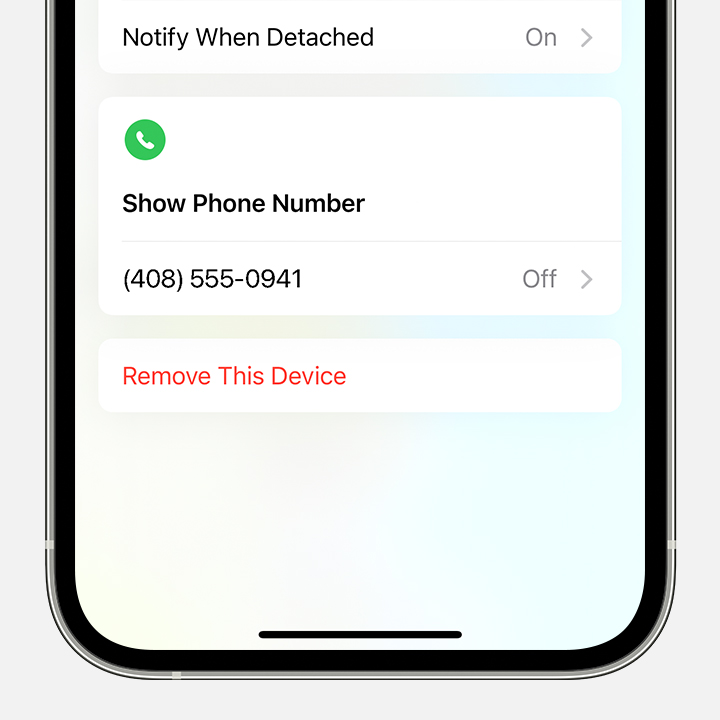
3. Tap Remove This Device.
Screenshot in Find My showing Remove This Device.

4. Tap Remove.


We hope this helps.


Cheers.