Missing Notes from Notes App on iPhone, iPad
The possible options are...
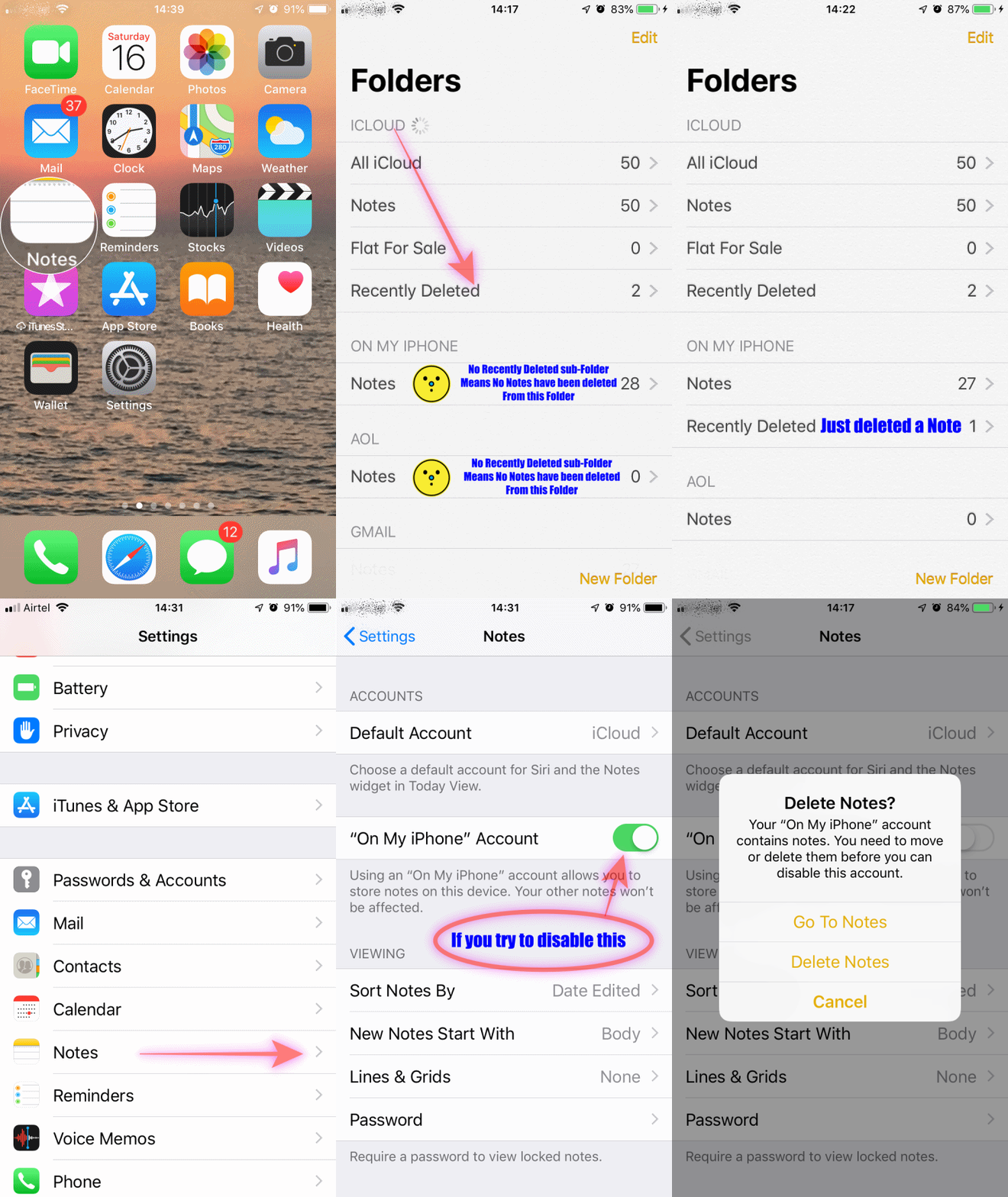
You can't find it in the recently deleted folder, then probably you have not deleted any Notes in last 30 days.
(See the GIF below)

- You may have shared the Notes over AirDrop
- You may have sent the Notes via iMessage or email to someone
- Did you backup on Mac/PC via iTunes? Restore from iTunes. (Warning: Step 1 VERY IMPORTANT)
- Take a fresh BackUp (Or else you will lose all new data, photos, Notes etc)
- Restore from Old BackUp via iTunes (Not iCloud)
- Retrieve your Note(s)
- Restore from New BackUp via iTunes (Not iCloud)
Do not restore from iCloud backup.
iCloud backup doesn’t include information already stored in iCloud, like Contacts, Calendars, Bookmarks, Mail, Notes, Voice Memos, shared photos, iCloud Photos, Health data, call history, and files you store in iCloud Drive
Use Notes on your iPhone, iPad, and iPod touch - Apple Support
https://support.apple.com/en-in/HT205773

 User level: Level 1 (4 points)

